Find a product
Browse a focused category or open a listing on the main catalog.
Independent OOPBUY shopping guide
Track storage deadlines, read warehouse QC and plan parcel weight, customs and landed cost before international shipping.
Independent pages
Open a dedicated guide for warehouse timing, parcel costs, customs, quality control or a specific shipping decision.
Use complete field guides for QC, shipping, first orders and spreadsheet checks.
View all guides 02 · Dated decision guidesUse dated research to resolve storage, shipping, customs, returns and parcel-risk decisions.
Browse articles 03 · 21 practical answersCheck concise answers on product links, warehouse QC, storage, returns and parcel estimates.
Open FAQ 04 · Evidence snapshotCompare official features with dated Google Play and Trustpilot patterns—positive, negative and uncertain.
Read the reviewThe useful order
OOPBUY handles purchasing, warehouse receipt, quality inspection and international shipment. This guide helps you make the decisions between those stages.
Browse a focused category or open a listing on the main catalog.
Choose OOPBUY on the product page, then check the seller details and options.
After domestic delivery, inspect the warehouse photos before parcel submission.
Compare routes using the destination, parcel weight and package dimensions.
Read before checkout
A low item price is only one layer. Storage deadlines, seller-to-warehouse shipping, product weight, package dimensions, customs and packing choices all affect landed cost.
Plan the parcelLive catalog paths
These cards point to existing pages on the main catalog. Always recheck the listing and the final OOPBUY page before paying.
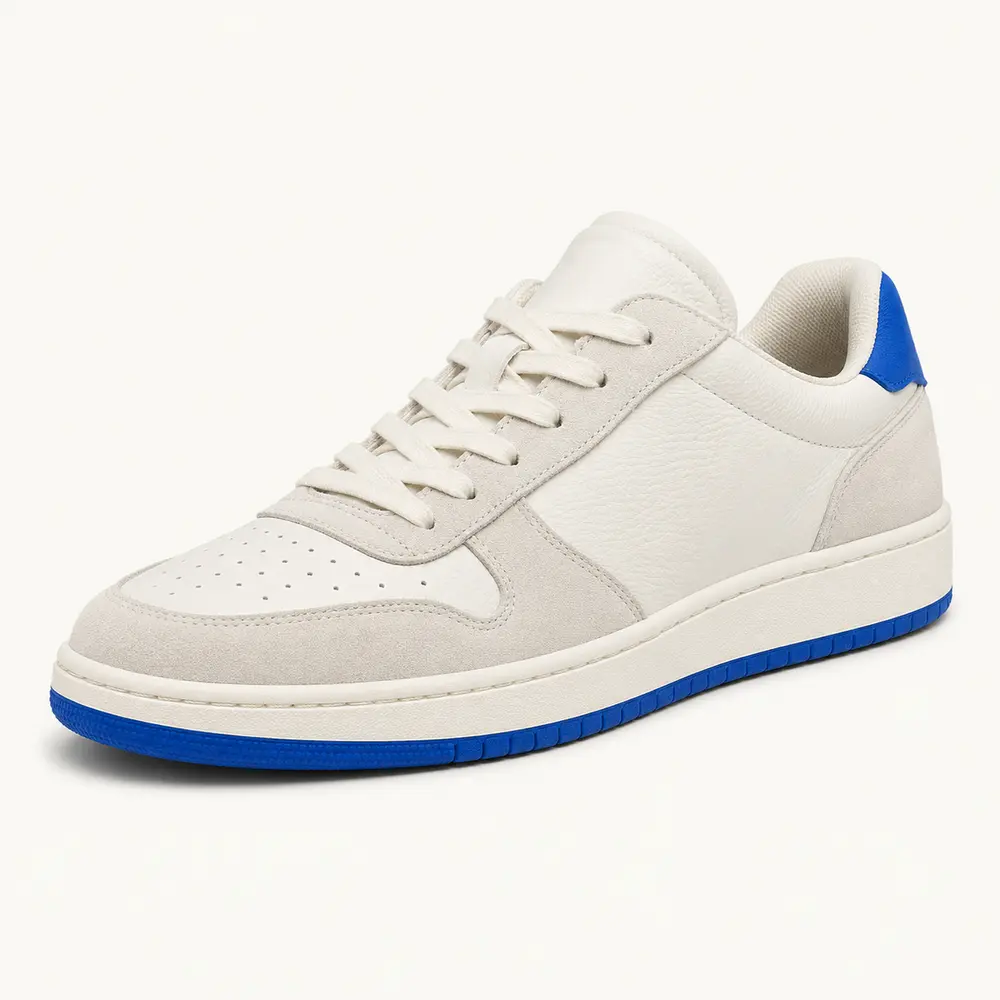 Shoes
Shoes Hoodies
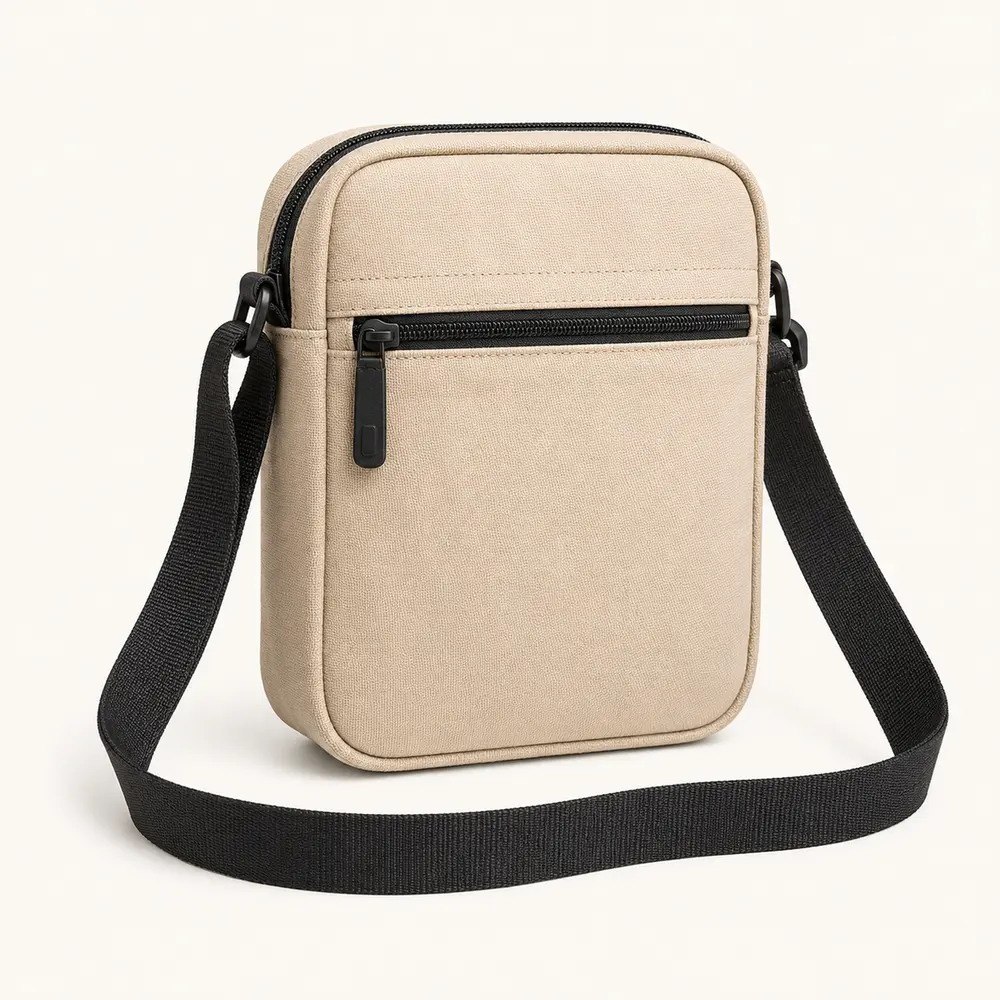 Bags
Bags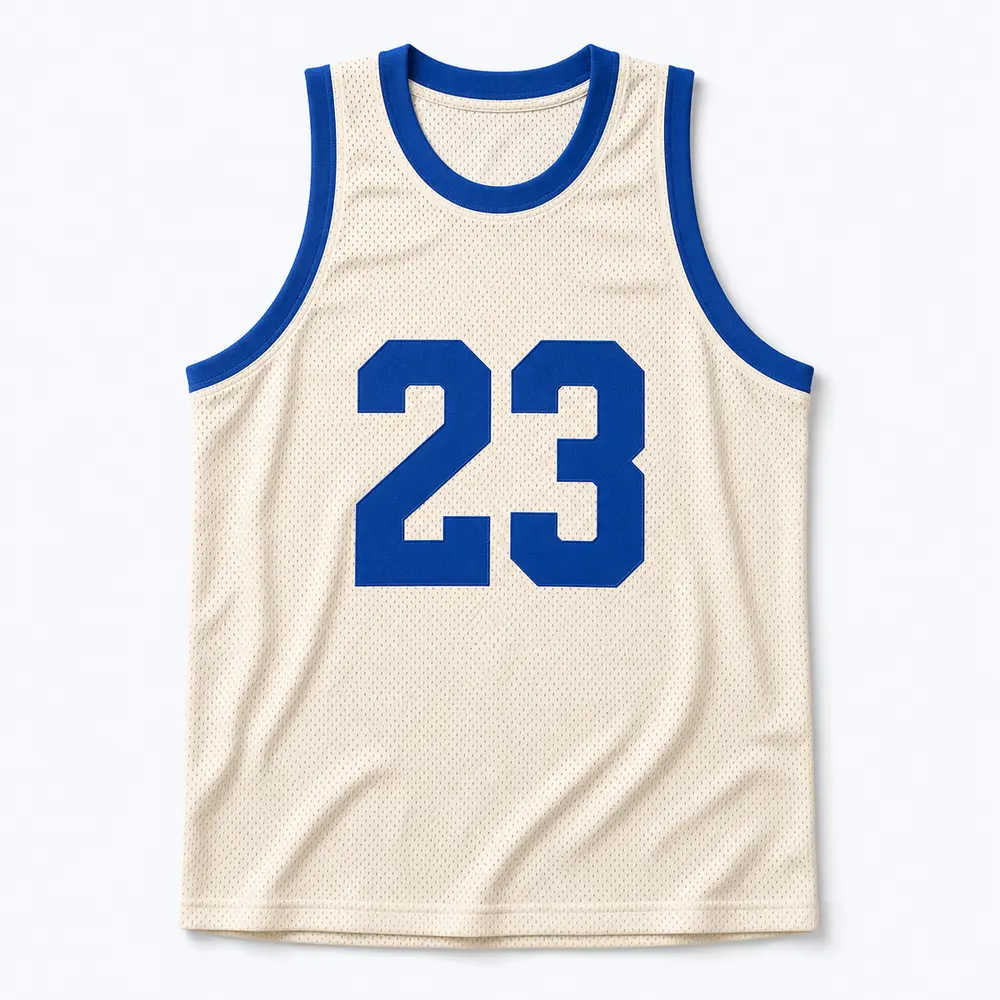 Jerseys
One last check
Review size, color, visible condition and quantity in the QC photos. If something looks wrong, act while the order is still eligible for after-sales handling.
Use the QC checklist